RelayX and RelayM Associate Training
Get started with RelayX and RelayM to be used for team communication, panic, and real-time language translation. Follow along to learn more about your devices, and various features available!
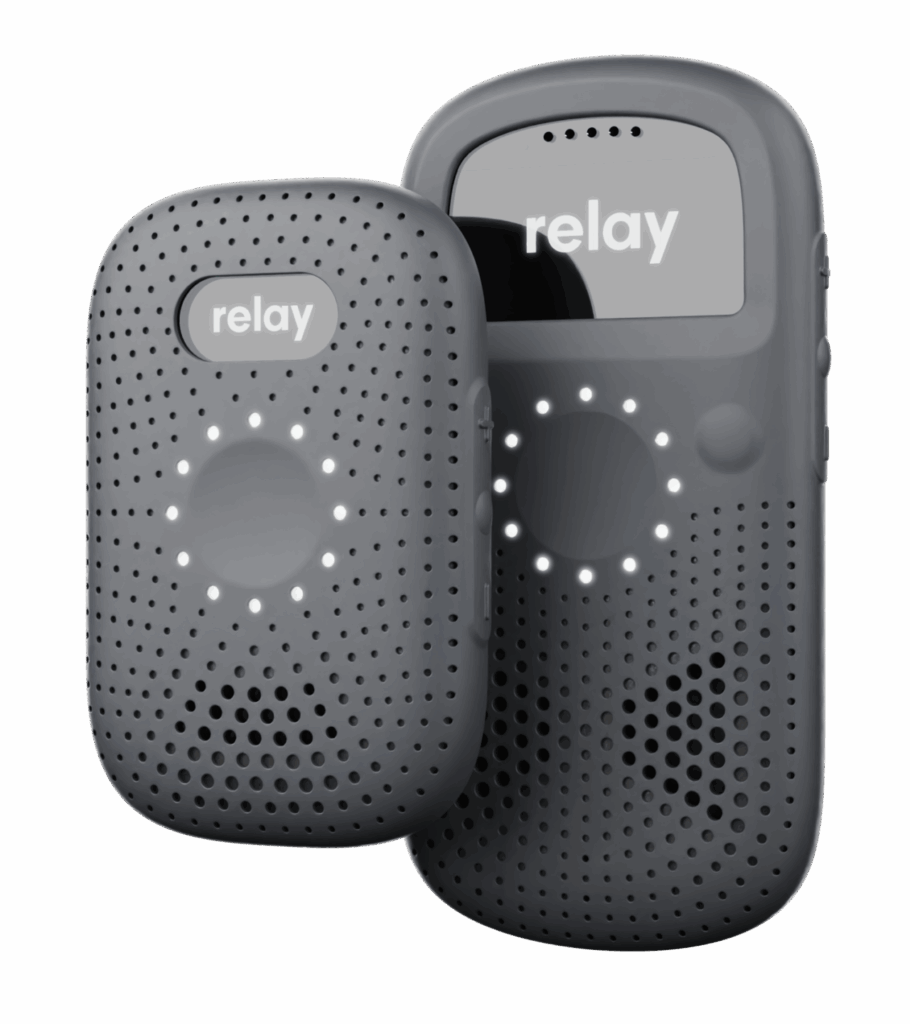
Relay Devices:
Below are a series of videos to help you get familiar with your Relay Devices. We will cover the basics of how to use Relay’s various features. After reviewing these videos, you will walk away with an understanding of:
- The Relay buttons and what each of them do
- The different LED lights on your Relay and their meaning
- And finally, how to use the on-device Relay Assistant
What is Relay?
Relays Buttons & Screen
LED Overview
The Relay Assistant
Communication Overview:
The following videos provide a comprehensive overview of Relay’s capabilities as a communication solution. You’ll learn to effectively communicate with your team and leverage the 1-to-1 calling feature for individual conversations.
Please Note: Depending on your service plan, certain features may not be available for your team. If you have any questions regarding your current service plan, please reach out to your Customer Success Team Member, or our Support Team.
Use Relay To Talk To Your Team
Use Relay To Talk To an Individual
Using Relay as Your Panic Solution:
The following video is for accounts using Relay as their Panic Solution.
Panic Overview
Translation Overview:
In these videos we will review the Translate Command, which can be used in face to face interactions where there is a language barrier, as well as TeamTranslate which allows for live translation across multi-lingual teams.
Please Note: TeamTranslate is an add on feature available for all service plans. To learn more about upgrading your service plan, please reach our to your Customer Success Team Member, or our Support Team.
The Translate Command
TeamTranslate Overview
Getting Help
Getting Help With Training:
As you get started, our Knowledge Base and Printable One Pagers are great resources for training and quick answers. If you have any further questions, don’t hesitate to reach out to our Customer Success Team.
Getting Technical Support:
If you are experiencing a technical support issue related to your Relay Devices, Dash, or the App, feel free to reach out to our Technical Support Team by clicking below.